Korea eSIM vs SIM Card vs Pocket WiFi: Which Is Best?
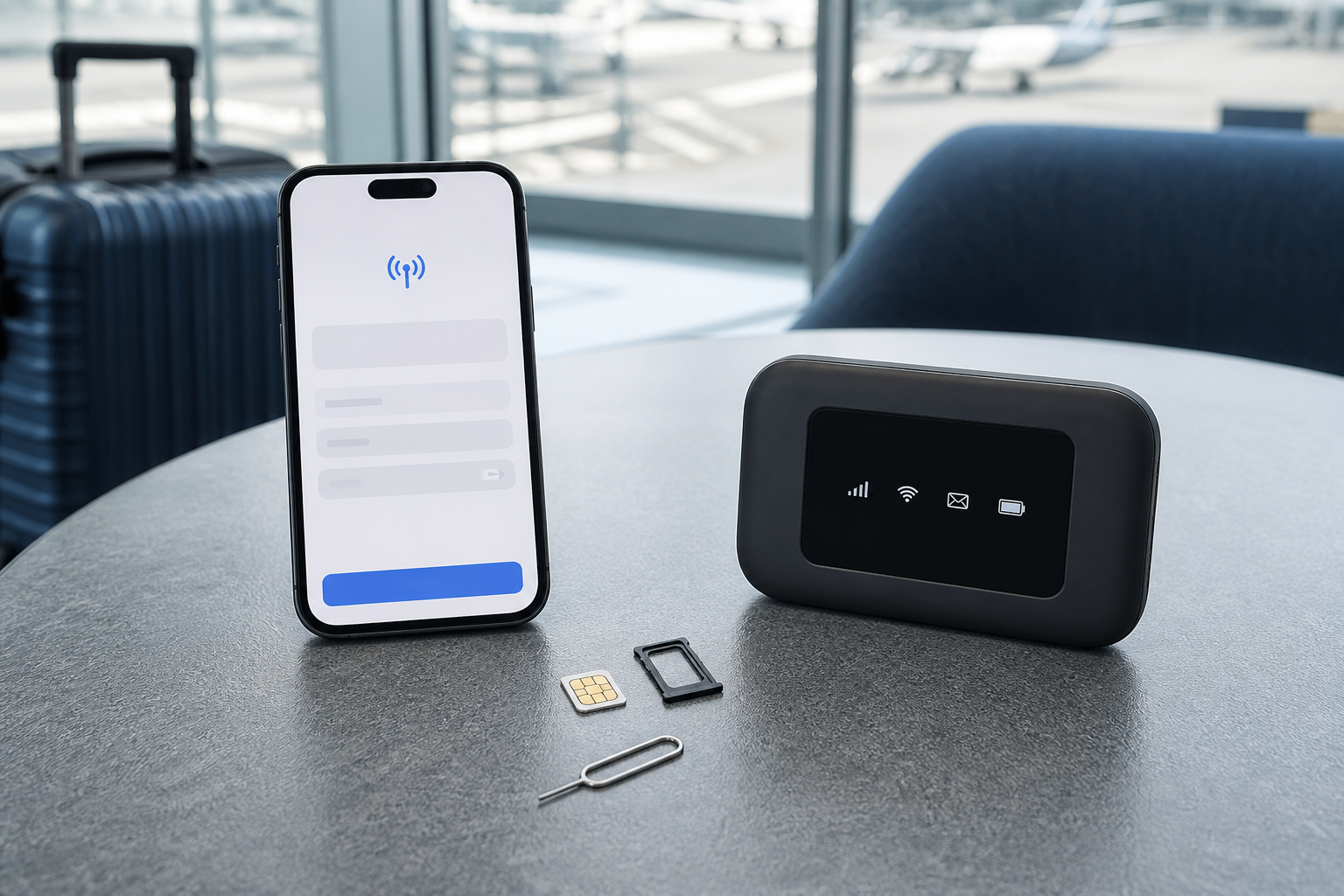
A Korea eSIM is the best option for most solo travelers with an unlocked, compatible phone. Choose a physical SIM when your phone lacks eSIM support or you want in-person setup. Choose pocket WiFi when several people will stay together and share one connection.
The cheapest listing is not automatically the best. Confirm device compatibility, data speed after any daily allowance, whether a Korean phone number is included, and how activation works before you pay.
Plan connectivity together with your arrival: our Incheon Airport to Seoul guide compares the main transport options after landing.
Korea eSIM vs SIM Card vs Pocket WiFi: Quick Comparison
| Option | Best for | Main advantage | Main drawback |
|---|---|---|---|
| eSIM | Solo travelers, dual-SIM phones | Buy online, no card swap | Compatibility and setup vary |
| Physical SIM | Travelers wanting staff help | Familiar, airport activation | Requires SIM tray and card change |
| Pocket WiFi | Families or close groups | Several devices share data | Extra device, battery, pickup and return |
| Free WiFi only | Very light users | No plan cost | Unreliable between hotspots |
On mobile, swipe left or right to view the full comparison table.
Five-day comparison: actual LG U+ plans
Checked October 14, 2026 (Korea time). This is a researched same-provider comparison, not a speed test or a claim that LG U+ is always the cheapest. Prices below are the official pages’ displayed base prices without an assumed coupon or outgoing-call credit. The pages offer speed options, so confirm your selected tier and final checkout amount. VAT treatment was not explicit in the information available for this check.
| Product | Five-day base price | Data and speed policy | Voice / sharing |
|---|---|---|---|
| LG U+ data eSIM | KRW 27,500 | Unlimited data advertised without a fixed throttle; congestion management can apply | No outgoing calls/texts; smartphone tethering supported |
| LG U+ physical SIM | KRW 27,500 before added voice credit | Unlimited data advertised without a fixed throttle; congestion management can apply | Choose voice service if needed; smartphone tethering supported |
| LG U+ pocket Wi-Fi | KRW 4,400 × 5 charged days = KRW 22,000 | Shared 4GB/day, then up to 5Mbps; resets at midnight | Internet connection only; up to 10 devices share the router |
Activation, pickup and return
eSIM: install over an internet connection and start use in Korea within 60 days of purchase. Validity begins with first data use: five days means 120 hours, for example 10am on day 1 until 10am five days later. No physical collection or return is needed for the emailed data eSIM. The provider states no refund after payment and no reissue once installed, so verify the exact phone model first. Its current compatibility notice excludes Google Pixel, Motorola and OPPO.
Physical SIM: collect at the listed Incheon T1/T2, Gimpo or Gimhae airport counter. It needs an unlocked compatible phone and SIM slot; no return is required. Usage time starts with first data use. Match your arrival time to the particular counter’s hours rather than assuming every desk is open overnight.
Pocket Wi-Fi: book pickup and return around your flights. The KRW 22,000 calculation assumes exactly five charged rental days; a five-day SIM’s 120-hour window is not a guarantee of identical rental billing. Charges continue until return. LG U+ permits return at a different listed airport. A passport is required; the page lists a KRW 1,111 credit-card authorization without an actual charge, or a refundable KRW 70,000 debit-card deposit. Loss, damage or late return can increase the cost.
Voice, tethering and solo-versus-group cost
The official LG U+ FAQ permits smartphone tethering. Choose Data + Voice when outgoing calls or texts are important and budget separately for that service. A tourist number does not provide banking or government identity verification; LG U+ also says data-only service cannot be used for SMS verification. Internet calls through messaging apps are a separate use of mobile data.
At these base prices, two individual SIM/eSIM plans cost KRW 55,000 and four cost KRW 110,000. One five-day router costs KRW 22,000 total: KRW 11,000 each for two people or KRW 5,500 each for four. Those savings come with shared data, another battery and a return obligation. Everyone must stay within range. A solo traveler pays KRW 5,500 more for the listed SIM/eSIM and gains a direct phone connection; groups that split up should favor individual plans.
Online promotions can change. Compare final totals for the same dates, speed tier and voice needs, including any rental extras, rather than treating the base-price table as a checkout quote.
Korea eSIM: best for most independent travelers
An eSIM installs a digital mobile profile without replacing the physical card in your phone. You normally receive a QR code or app-based installation instructions by email. This lets many travelers keep their home SIM for messages while using Korean mobile data.
- Best when: your phone is unlocked, supports eSIM, and you are comfortable changing mobile settings.
- Avoid when: compatibility is uncertain, the device is carrier-locked, or you need staff to troubleshoot activation.
- Important: install the profile on WiFi, but follow the provider’s rule about when to activate the data plan.
Do not delete an eSIM profile while troubleshooting unless the provider tells you to. Some QR codes can be installed only once.
Physical SIM: best for simple airport setup
A prepaid physical SIM goes into your phone’s SIM tray. Korea Tourism Organization guidance says short-term prepaid SIMs are available online, at airports, and at participating convenience stores, with plan durations designed for visitors.
The main advantage is human help: official carrier counters at major airports can check the product and assist with installation. Store your home SIM safely in a labeled holder, not loose in a wallet.
Pocket WiFi: best for groups that stay together
A portable router creates a private WiFi network for several phones, tablets, or laptops. Cost per person can be attractive for a family or couple that moves together all day.
- Everyone loses the connection when the person carrying the router walks away.
- The router adds another battery to charge.
- You may pay a deposit or replacement charge if it is lost.
- Pickup and return times must fit your airport schedule.
- Messages or reservations requiring a Korean phone number may still be difficult.
Do you need a Korean phone number?
Data-only plans handle maps, translation, messaging apps, and internet calls. A plan with voice and SMS can help when a restaurant, hotel, tour operator, or delivery driver needs to call you.
However, receiving a Korean number does not guarantee identity verification for banking, government services, or every Korean app. LG U+ explicitly notes that ordinary voice/SMS service may support reservation messages while formal identity verification remains unavailable. Check the exact product, not merely the phrase “local number.”
Compatibility checklist before purchase
- Confirm the phone is carrier-unlocked.
- Check the exact model number, not only the marketing name.
- Verify eSIM support with the chosen Korean provider.
- Confirm supported network bands if using an older or region-specific device.
- Save the QR code, order number, and support contact offline.
- Do not scan the activation code on a device that will not use the plan.
How much data do you need?
- Light: maps, messaging, translation, and occasional browsing.
- Moderate: regular social media, photo uploads, and some music streaming.
- Heavy: video, hotspot use, large uploads, or remote work.
“Unlimited” often means full speed up to a threshold followed by slower data. Read the fair-use and speed wording. A stable lower-cost plan can be better than a headline unlimited plan that becomes too slow for your needs.
When to buy and activate
Buying online before departure gives you time to solve compatibility questions. Take screenshots of the instructions because airport WiFi can be busy. Keep data roaming off for your home line if you want to prevent unexpected charges, and select the Korean line as the mobile-data source after arrival.
If you prefer a counter, official roaming centers for KT, SK Telecom, and LG U+ operate at major airports. Opening hours and inventory can change, so check the arrival terminal and time before relying on a specific desk.
What about free public WiFi?
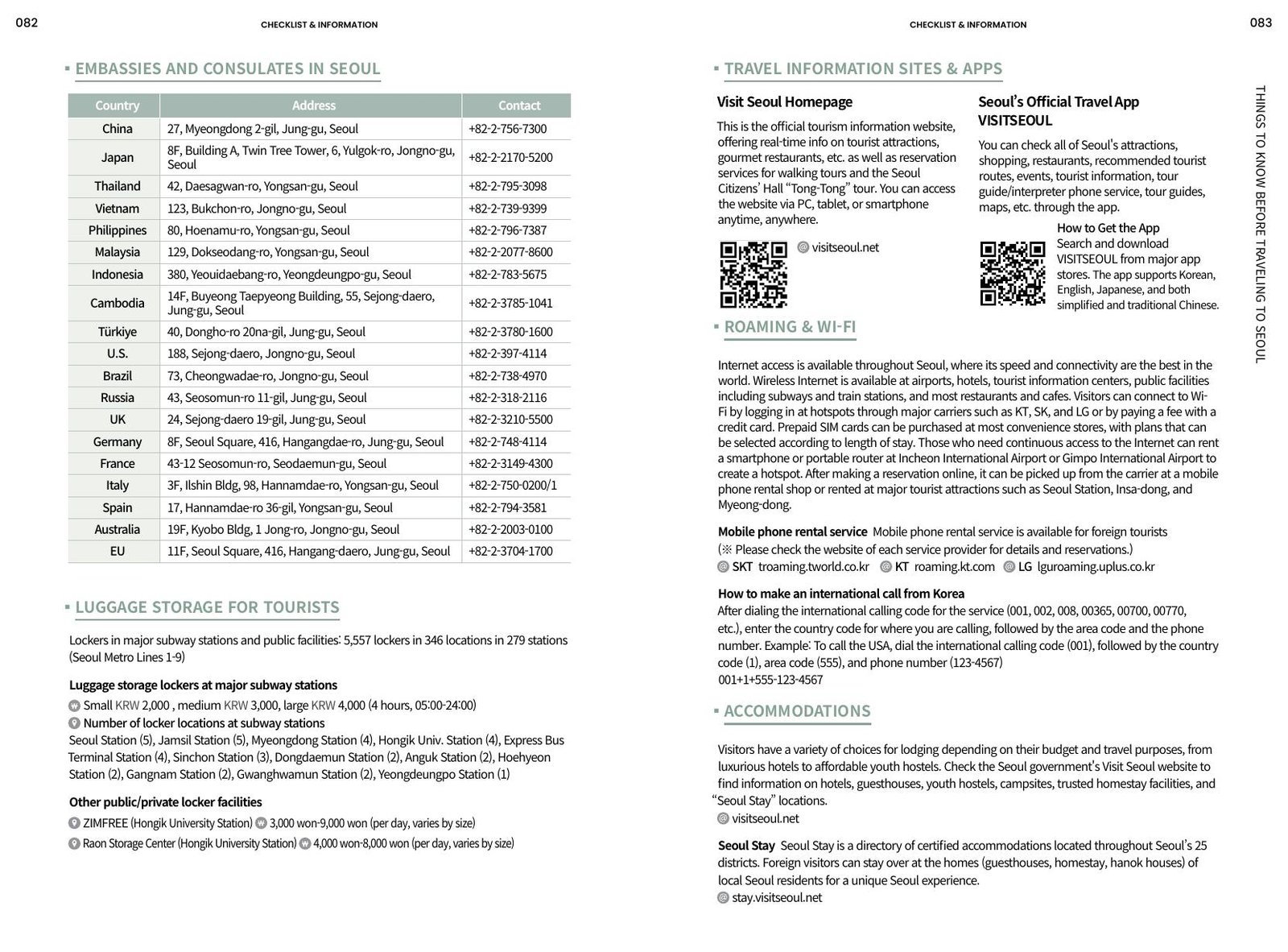
Free WiFi is common at airports, stations, cafés, hotels, and many public areas. Korea Tourism Organization guidance still recommends considering a SIM because coverage is not guaranteed everywhere. Public WiFi is a useful backup or data saver, not the best only connection for navigation.
Which option should you choose?
- Solo, unlocked recent phone: eSIM.
- Phone without eSIM: physical prepaid SIM.
- Family always together: pocket WiFi, with at least one backup connection.
- Remote worker: eSIM or SIM plus reliable hotel WiFi; do not depend on one router.
- Very short stopover: small eSIM plan or airport/public WiFi if you will not leave connected areas.
Uncle Choi’s tip
Set up your Korean line before leaving the airport, then open a map and send one message. It is much easier to fix a problem near an official counter and stable WiFi than after reaching a small subway exit with luggage.
Frequently asked questions
Can I keep WhatsApp or my usual messaging account?
Usually yes. Messaging accounts normally remain linked to the existing account unless you deliberately change the registered number. Keep access to any security codes you may need.
Can an eSIM make calls?
Some products are data-only; others include a Korean number, incoming calls, or paid outgoing calls. Read the exact plan specification.
Is pocket WiFi cheaper for two people?
Sometimes, but compare the total including pickup, return, insurance, and battery inconvenience. Two low-cost eSIMs may provide more independence.
Final recommendation
Choose eSIM for convenience, physical SIM for compatibility and counter support, or pocket WiFi for a close group. Verify the phone first, decide whether you need a Korean number, and test the connection before leaving the airport.
Sources & last updated
- Korea Tourism Organization — Electricity & Communications
- Korea Tourism Organization — Money-saving Tips
- LG U+ — Korea Tour Pass and eSIM FAQ
- Seoul Metropolitan Government / Seoul Tourism Organization, 2026 Seoul Guidebook, communications section
Last fact-checked: October 14, 2026, for the LG U+ five-day product comparison and linked provider conditions. Prices, promotions, supported devices, counter hours and plan terms can change; confirm the selected product before payment.